If your Shopify store takes more than 3 seconds to load, you’re already losing money.
Research shows that 40% of visitors leave slow websites, and every extra second of delay can reduce conversions by up to 20%.
For Shopify store owners, speed is no longer just about user experience – it’s a Google Ranking Factor.
In 2025, Core Web Vitals decide who ranks and who disappears.

The problem?
Only 47% of websites currently pass all Core Web Vitals thresholds, and stores that fail lose 8–35% of traffic, conversions, and revenue.
This guide gives you a clear, step-by-step Shopify speed optimization checklist so you can:
- Improve Google rankings
- Load faster on mobile
- Increase conversions
- Beat slower competitors
Why Shopify Speed Optimization Matters?
Speed optimization is one of the highest ROI improvements you can make.
Speed affects three critical areas:
- SEO → Google uses Core Web Vitals as a ranking signal
- Conversions → Faster stores sell more
- User trust → Slow sites feel unreliable
A Shopify store loading in 1.5–3 seconds consistently outperforms stores loading in 5–8 seconds.
The 3 Core Web Vitals You Must Optimize
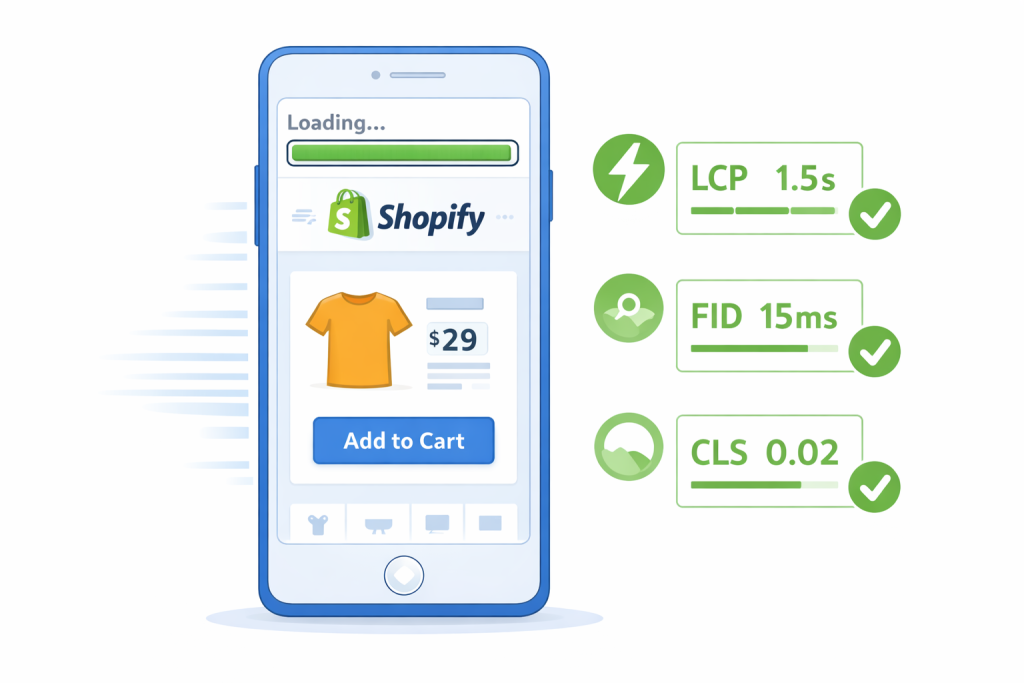
Google measures real user data using these three metrics:
1. Largest Contentful Paint (LCP)
- What it measures: How fast the main content loads
- Good target: Under 2.5 seconds
- Why it matters: First impression and perceived speed
2. Interaction to Next Paint (INP)
- What it measures: How fast your site reacts to clicks and taps
- Good target: Under 200 ms
- Why it matters: Add-to-cart, buttons, form interactions
3. Cumulative Layout Shift (CLS)
- What it measures: Unexpected layout movement
- Good target: Under 0.1
- Why it matters: Prevents frustration and misclicks
👉 These are not vanity metrics.
Fail them, and Google pushes your store down.
Why Most Shopify Stores Are Slow (5 Hidden Killers)
Before fixing speed, you need to know what’s actually slowing your store.
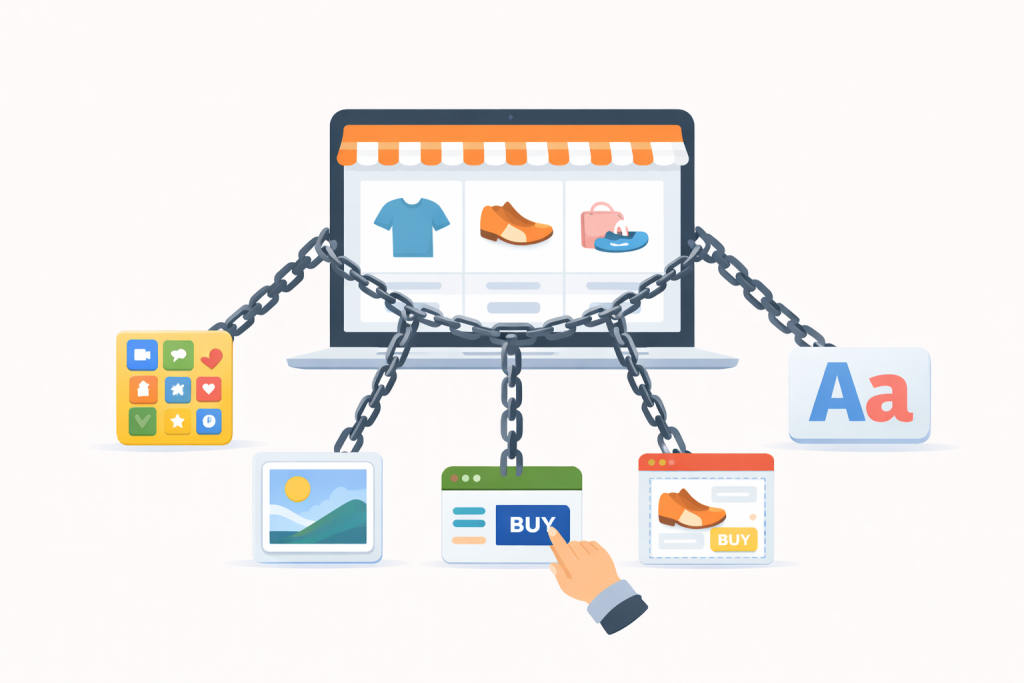
1. App Bloat (Biggest Problem)
Most Shopify stores run 8–12 apps, each adding JavaScript.
Real impact:
- Removing unused apps often improves load time by 2–3 seconds
- One case study saw a 28% increase in add-to-cart rate
Rule:
Shopify suggests under 20 apps but fewer is always better.
2. Theme Bloat
Many themes load features you never use:
- Animations
- Mega menus
- AJAX effects
A bloated theme may load 500KB of code when only 100KB is needed.
3. Unoptimized Images
Images are the heaviest files on Shopify stores.
Problems:
- 5MB product images
- No compression
- No lazy loading
Result: slow mobile performance.
4. Render-Blocking JavaScript
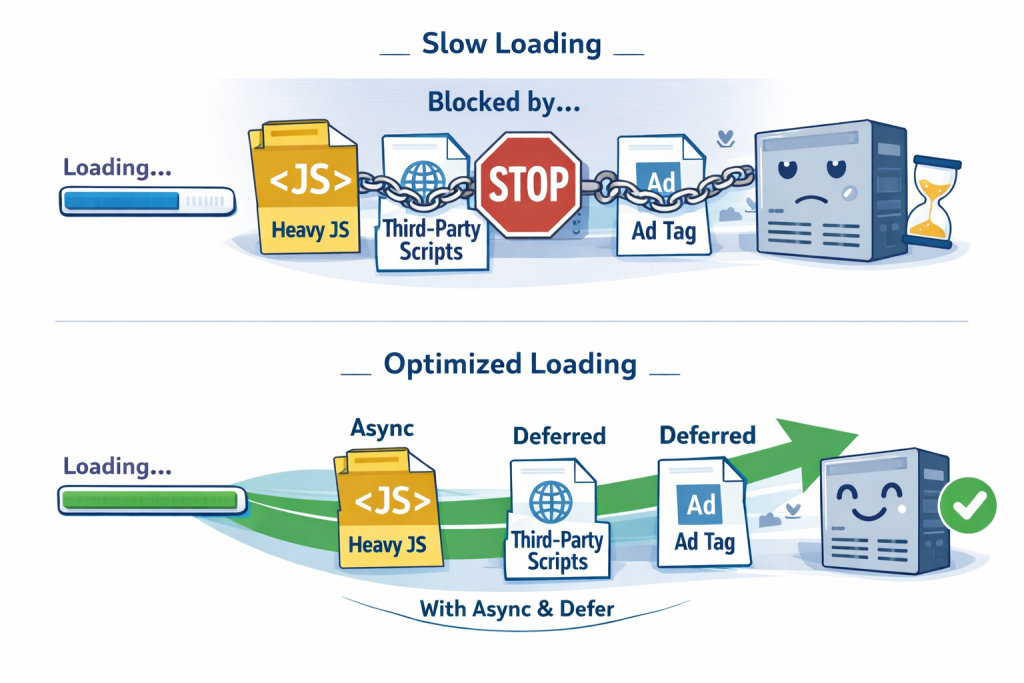
Scripts that load before content:
- Analytics
- Chat widgets
- Review apps
These delay page rendering and hurt LCP and INP.
5. Font Overload
Multiple fonts + many weights = slower loads.
Each font request adds delay, especially on mobile.
Shopify Speed Optimization Checklist
(Step-by-Step)
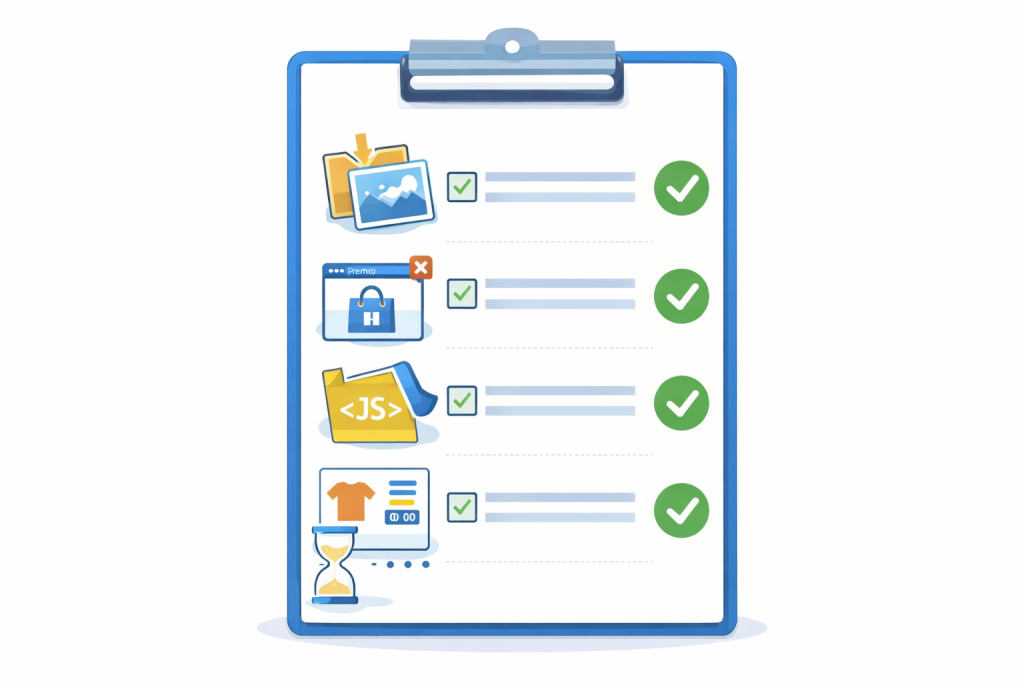
Quick Wins (1–2 Hours | Immediate Results)
Image Optimization
- Compress images using TinyPNG or TinyJPG (50–80% size reduction)
- Use lazy loading for images below the fold
- Do Not lazy load:
- Hero images
- Main product images
- Use blurred placeholders for smoother loading
App Audit & Cleanup
- Export your app list from Shopify Admin
- Delete:
- Unused apps
- Duplicate functionality
- Low-revenue tools
- Check reviews for performance complaints
- Target: 6–10 high-value apps
Third-Party Script Cleanup
- Review:
- Facebook Pixel
- Google Analytics
- TikTok Pixel
- Remove scripts not driving revenue
- Use Google Tag Manager to control loading
Medium Effort Optimizations (3–6 Hours | 15–20% Gain)
Theme Optimization
- Remove unused features (sliders, animations)
- Update theme to latest version
- Switch to a Shopify 2.0 lightweight theme if needed
- Minimize custom code
Code Optimization
- Minify CSS and JavaScript
- Remove unused CSS (PurgeCSS)
- Combine CSS files
- Inline critical CSS
- Defer non-essential JavaScript
Fonts & Visual Simplicity
- Limit to 1–2 font families
- Use system fonts where possible
- Preload critical fonts
- Use
font-display: swap
Mobile-First Speed Review
- Optimize hero images for mobile
- Avoid heavy sliders
- Delay popups until interaction
- Always test mobile speed separately
Caching & CDN
- Enable browser caching
- Set proper cache headers
- Use Shopify’s built-in CDN
- Consider extra CDN optimization for high-traffic stores
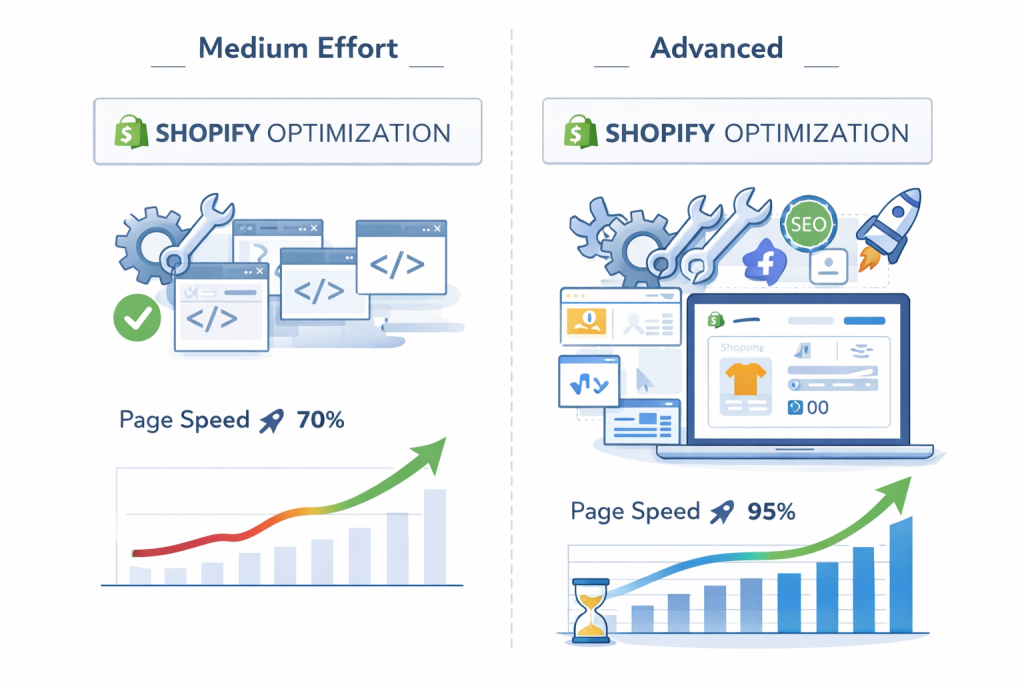
Advanced Optimizations (6+ Hours | 20–25% Gain)
Liquid Code Optimization
- Reduce complex Liquid loops
- Avoid unnecessary dynamic data
- Use Shopify metafields efficiently
Redirect & Request Cleanup
- Remove unnecessary redirects
- Fix broken links
- Reduce total HTTP requests
CLS Prevention
- Set width and height for all images & videos
- Reserve space for ads and dynamic elements
- Monitor layout shifts in Chrome DevTools
INP Optimization (Responsiveness)
- Profile interactions using Chrome DevTools
- Optimize slow JavaScript tasks
- Break long tasks into smaller chunks
- Improve Add-to-Cart responsiveness
How to Measure Shopify Speed Correctly?
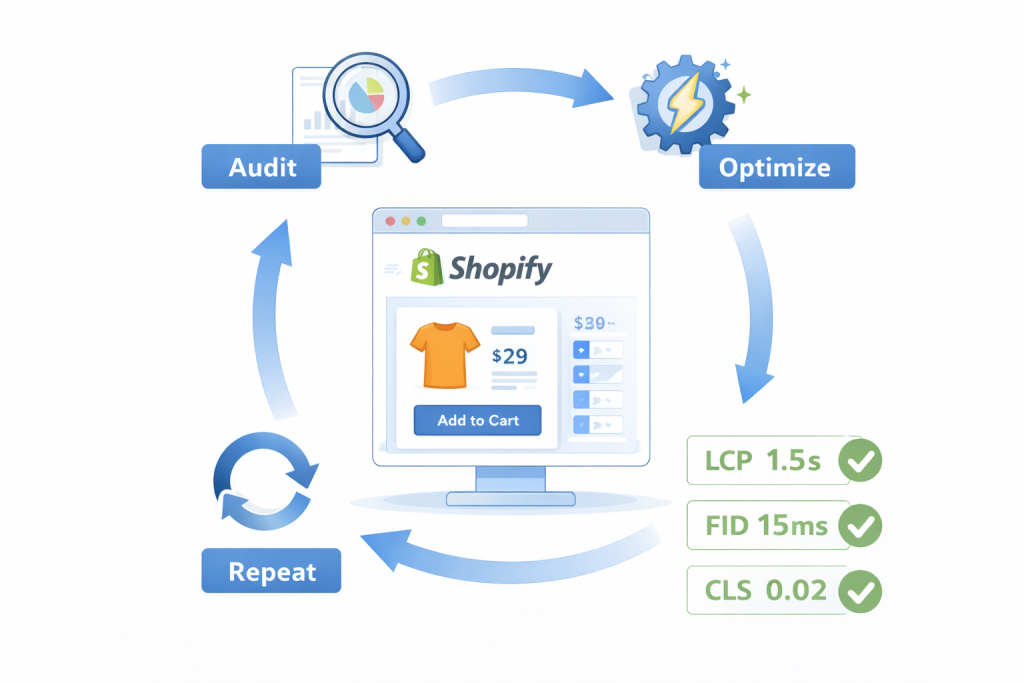
Use all three tools, not just one.
Shopify Performance Report
- Found in Shopify Admin
- Real e-commerce focused metrics
Google PageSpeed Insights
- Core Web Vitals (LCP, INP, CLS)
- Real user data from Chrome users
GTmetrix
- Waterfall analysis
- Find render-blocking files
Testing process:
- Record baseline (3–5 days)
- Apply changes
- Re-test same period
- Track:
- LCP
- INP
- CLS
- Bounce rate
- Conversion rate
Expected Results After Optimization
| Before | After | Timeline |
|---|---|---|
| 5–8s load time | 1.5–3s | 4–6 hours |
| 20+ apps | 6–10 apps | 2–3 hours |
| Heavy images | Optimized + lazy | 3–4 hours |
| Low conversions | +15–30% lift | Short-term |
Common Shopify Speed Mistakes to Avoid
- Lazy loading hero images ❌
- Ignoring mobile performance ❌
- Chasing PageSpeed scores only ❌
- Removing revenue-driving features instead of optimizing ❌
- Treating speed as a one-time task ❌
Final Takeaway: Speed Is Ongoing, Not One-Time
Shopify stores naturally slow down over time:
- New apps
- More products
- Extra scripts
That’s why quarterly speed audits are essential.
If you optimize consistently, your store will:
- Rank higher
- Convert better
- Stay faster than competitors