Most Shopify stores don’t start with a heavy app stack.
It builds over time.
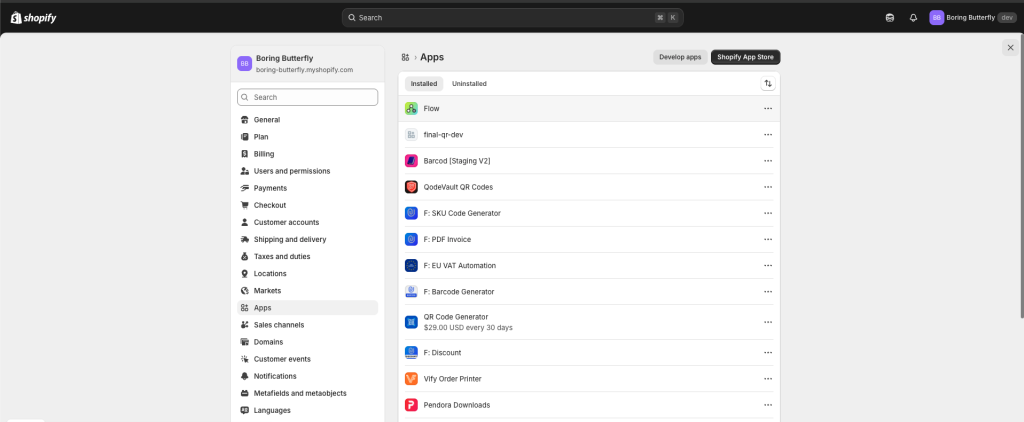
A small requirement comes up. You install an app.
Another problem appears. You install one more.
Nothing feels unnecessary in the moment.
But after a few months, the store is running on layers of tools that don’t really talk to each other.
Costs go up.
Performance drops.
Simple tasks start feeling complicated.
At some point, the store depends more on apps than on structure.
The Real Reason App Costs Keep Increasing
It’s not because store owners make bad decisions.
It’s because apps are the easiest way to solve problems.
Need a notification? Install an app.
Need a follow-up email? Install an app.
Need some logic in the backend? Install an app.
But if you step back, most of these problems are not separate.
They follow patterns.
And anything that follows a pattern can be automated.
The Shift: Thinking in Workflows Instead of Apps
Reducing app costs is not about cutting tools randomly.
It’s about changing how you think about your store.
Instead of asking:
What app should I install for this?
Start asking:
Can this be handled inside Shopify using logic?
That’s where Shopify Flow comes in.
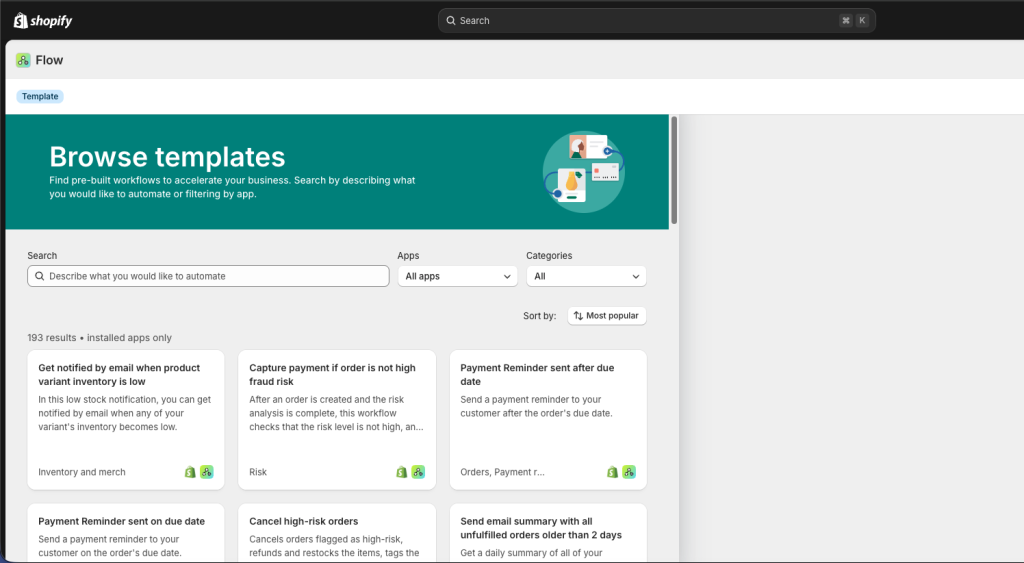
Flow lets you define what should happen when something occurs in your store.
When an order is placed, something follows.
When inventory changes, something follows.
When a customer behaves in a certain way, something follows.
This replaces a lot of small, repetitive tasks that apps usually handle.
Where Sidekick Actually Becomes Useful
Most store owners don’t use Flow because they don’t know what to build.
That’s the gap Sidekick fills.
You don’t need to think from scratch.
You can simply ask:
Analyse my store for the last 90 days and suggest workflows I can automate using Shopify Flow to save time and cost.
Sidekick looks at your store activity and suggests patterns you can automate.
It turns a vague idea like “I should automate something” into specific actions you can implement.
A Lot of Apps Exist Only for Small Tasks
Once you start looking at your stack this way, it becomes obvious.
Many apps are doing very small jobs.
Sending an internal alert.
Triggering a basic email.
Handling a simple condition.
Individually useful. Collectively expensive.
These are exactly the kind of things that fit naturally into workflows.
Email Is Usually the Breaking Point
Most workflows eventually need to send an email.
That’s where stores get stuck.
They either rely on Shopify’s default email actions or bring in another app just to handle messaging.
This is where tools like FlowSend come in.
Instead of being limited by default actions, you can connect email directly to your workflows and send it using your own SMTP.
That gives you more control over how emails are sent, how they look, and how they fit into your overall system.
It turns email into part of your workflow, not something separate.
Keep the Stack Lean With a Simple Habit
App stacks don’t grow because of one decision.
They grow because nothing is reviewed.
A simple way to stay in control is to run a periodic check.
You can ask Sidekick:
Analyse my apps and in-app performance. Suggest which apps I should keep, which ones are underperforming, and where I can replace them using Shopify Flow.
This keeps your stack intentional.
Some apps will stay.
Some will be replaced.
The difference is that every tool now has a clear purpose.
What Actually Improves
When you start replacing small tasks with workflows, a few things change.
The store becomes easier to manage.
There are fewer moving parts.
Decisions become clearer.
You spend less time figuring out which tool to use and more time improving the store itself.