Shopify Sidekick is no longer just a shiny AI feature – it’s becoming the default way merchants and teams interact with their Shopify stores, from setup to custom apps. This guide walks through what Sidekick is, how to use it as a merchant and a developer, and how to pair it with free AI tools to get an edge in day‑to‑day operations.
What Is Shopify Sidekick?
Shopify Sidekick is a built‑in AI assistant inside your Shopify admin that you can chat with to set up, run, and grow your store using natural language prompts. It is powered by Shopify Magic, Shopify’s commerce‑focused AI stack, and connects directly to your store data so it can take context‑aware actions and answer questions about your specific business.
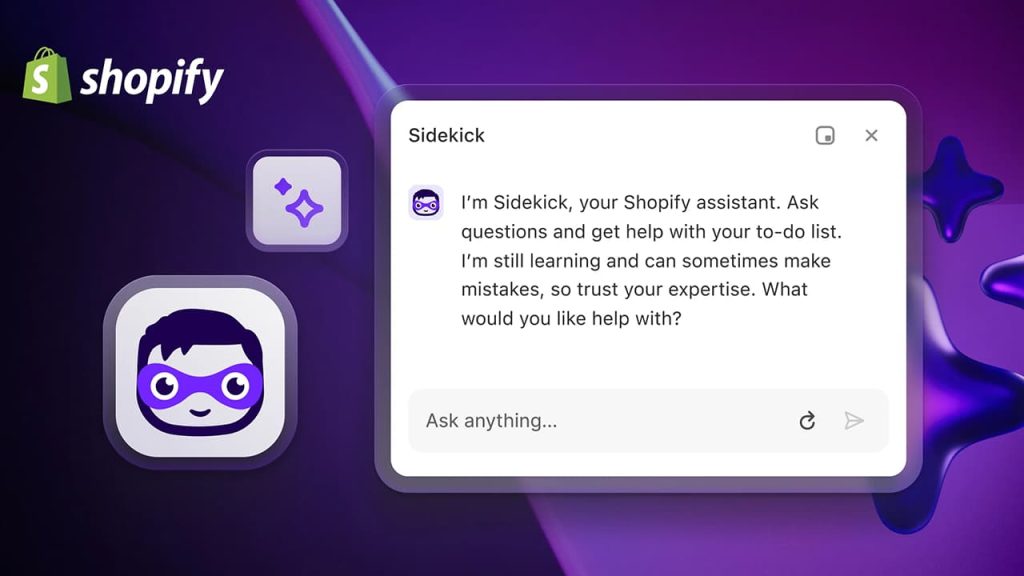
Instead of jumping between docs, spreadsheets, and apps, you ask Sidekick things like “Why did my sales drop last week?” or “Set up a 20% discount for my Summer Collection,” and it will either execute or guide you step by step. This makes Sidekick feel less like a chatbot and more like an embedded operations consultant sitting inside your admin.
Also Read: Best AI Search Visibility Checkers in 2026
Key Features Merchants Should Actually Use
1. Store setup and configuration
Sidekick can help you set up the core structure of your store faster by understanding high‑level instructions. Examples of what it can do:
- Generate pages, menus, and basic layouts based on your niche and goals (e.g., “Create a basic structure for a skincare brand targeting busy professionals”).
- Assist with theme editing by recommending colors, typography, and layout choices, especially when using compatible themes like Dawn.
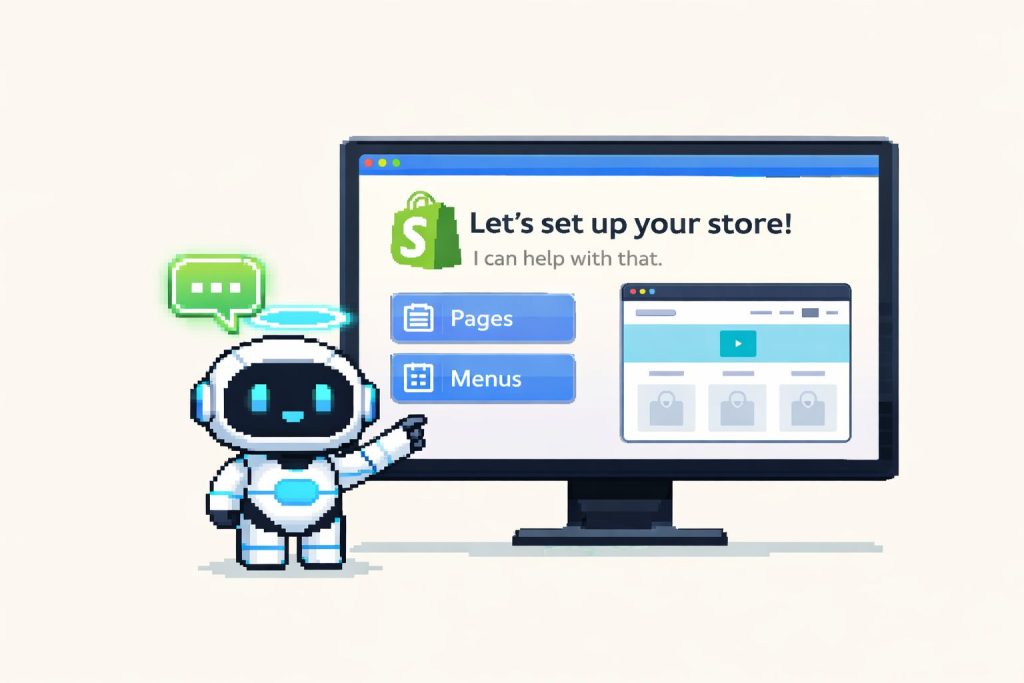
You still remain in control: Sidekick shows previews and asks for confirmation before applying changes, reducing the risk of breaking your live store.
2. Content creation (products, emails, blogs)
Sidekick uses Shopify Magic to generate on‑brand, commerce‑ready content directly in your admin.
You can use it for:
- Product descriptions: “Write a 120‑word SEO‑friendly description for this handmade ceramic mug in a warm, friendly tone.”
- Email copy and campaigns: “Draft a launch email for my new Autumn collection with a scarcity angle and free‑shipping CTA.”
- Blog posts and on‑site content: “Outline a blog post about how to style our linen shirts for summer, targeting ‘linen shirt outfit ideas’.”
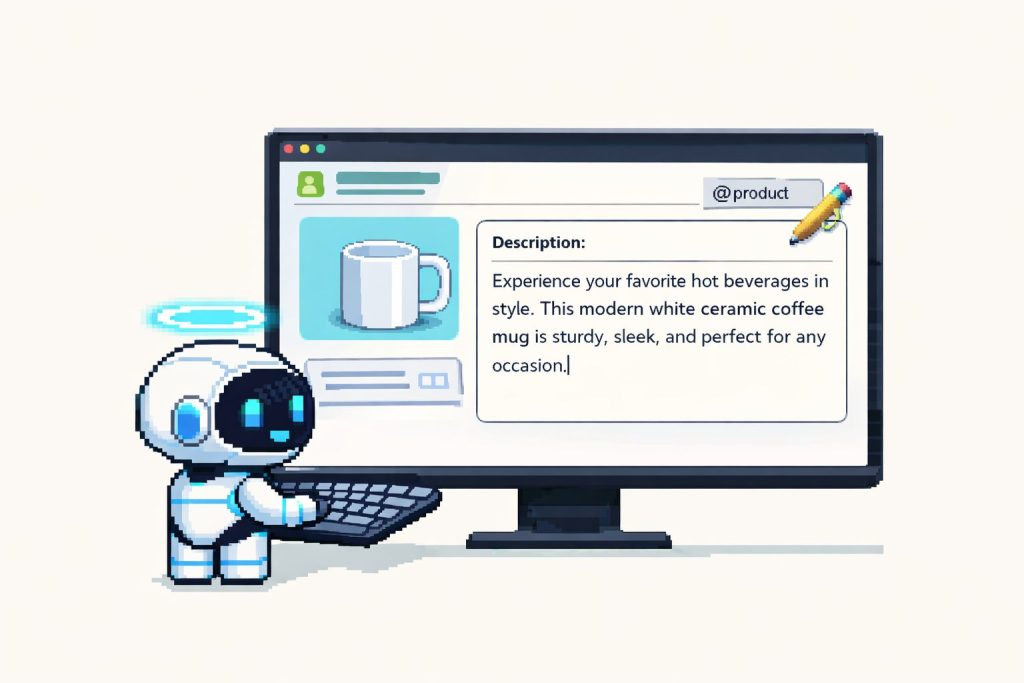
Pair this with FixMyStore.com free AI tools to refine tone and SEO: for instance, you can paste Sidekick’s draft into a AI copy optimizer to align keyword strategy!
3. Analytics and decision‑making support
Sidekick is particularly strong at turning raw analytics into plain‑language insights and suggested actions.
Useful prompt patterns:
- “Compare my conversion rate and revenue from Facebook vs Google for the last 30 days and explain what’s happening.”
- “Which products had the highest conversion rate last week but low traffic, and how can I grow their sales?”
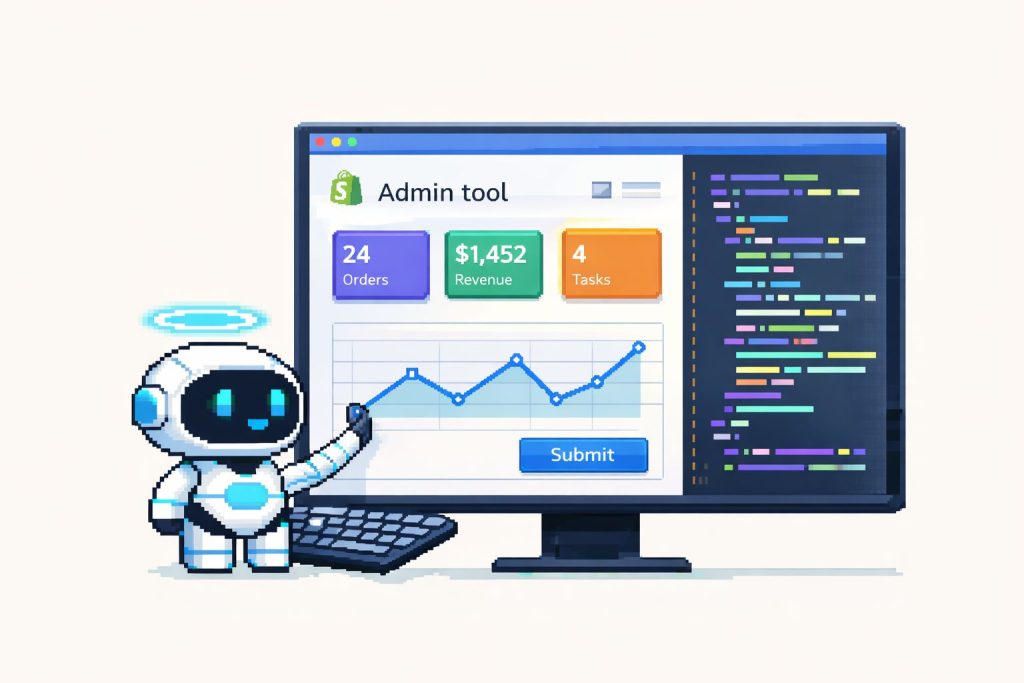
For Plus and larger teams, this can replace basic reporting workflows where you’d previously export data into Sheets or BI tools just to understand trends.
4. Operations, automation, and discounts
Sidekick can execute many admin tasks that used to require multiple clicks or manual setup.
Common examples include:
- Creating discounts: “Set up a 20% discount for all products in my Spring Collection for the next 72 hours with a minimum order value of $50.”
- Tagging and segmenting customers: “Tag customers who spent over $200 in the last 90 days so I can run a VIP campaign.”
- Identifying inventory issues: “Show me products that are about to run out of stock and suggest re‑order priorities based on recent sales.”
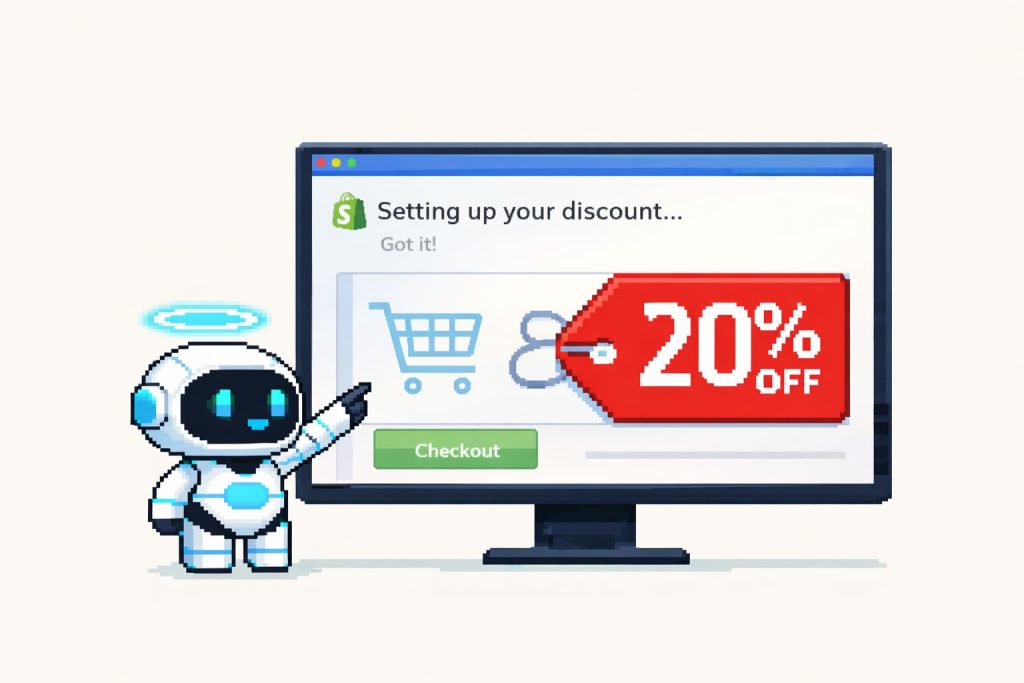
Sidekick surfaces these actions in a guided flow and lets you confirm before anything goes live, which cuts down errors while still keeping you in control.
5. Theme and UX changes
From inside the theme editor, Sidekick can help you:
- Add or modify sections (“Create a hero section with a background image, headline, and CTA button for my homepage”).
- Suggest layout improvements and even generate Liquid‑based sections or blocks which you can then refine in the code editor.
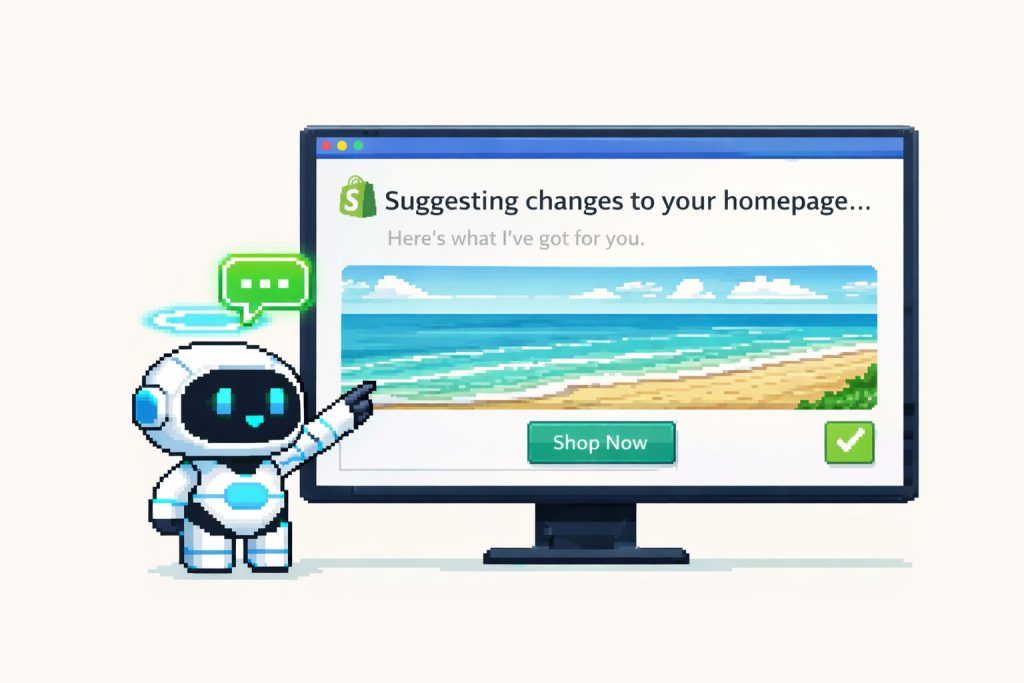
For merchants who are not comfortable editing Liquid, this is a big productivity unlock; for developers, it becomes a way to scaffold and then refactor into cleaner custom code.
New Power: Generate Custom Apps With Sidekick
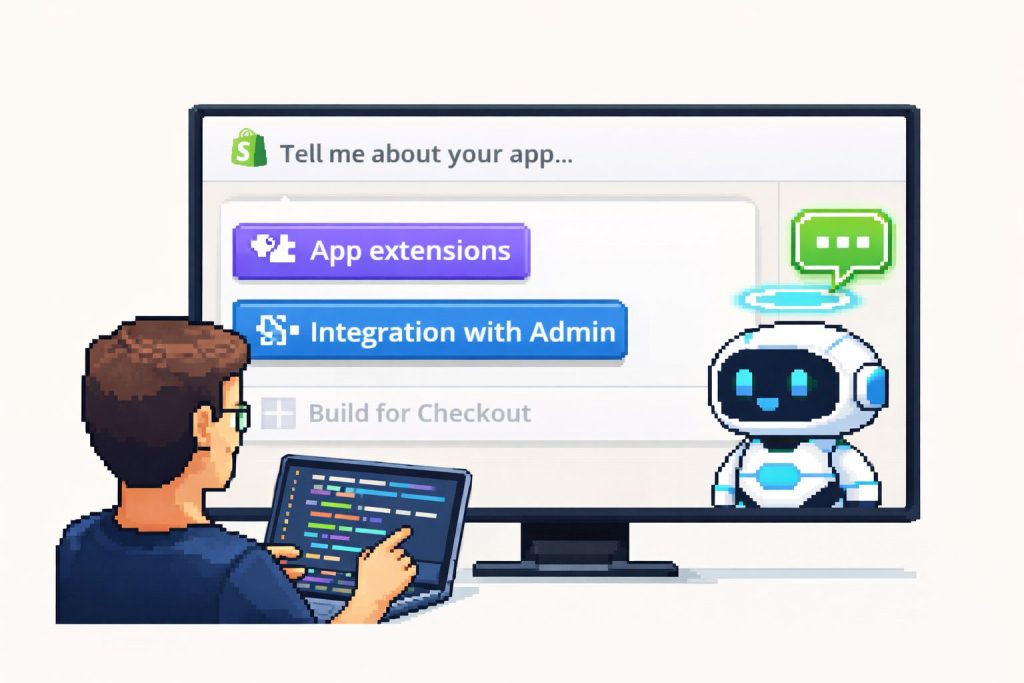
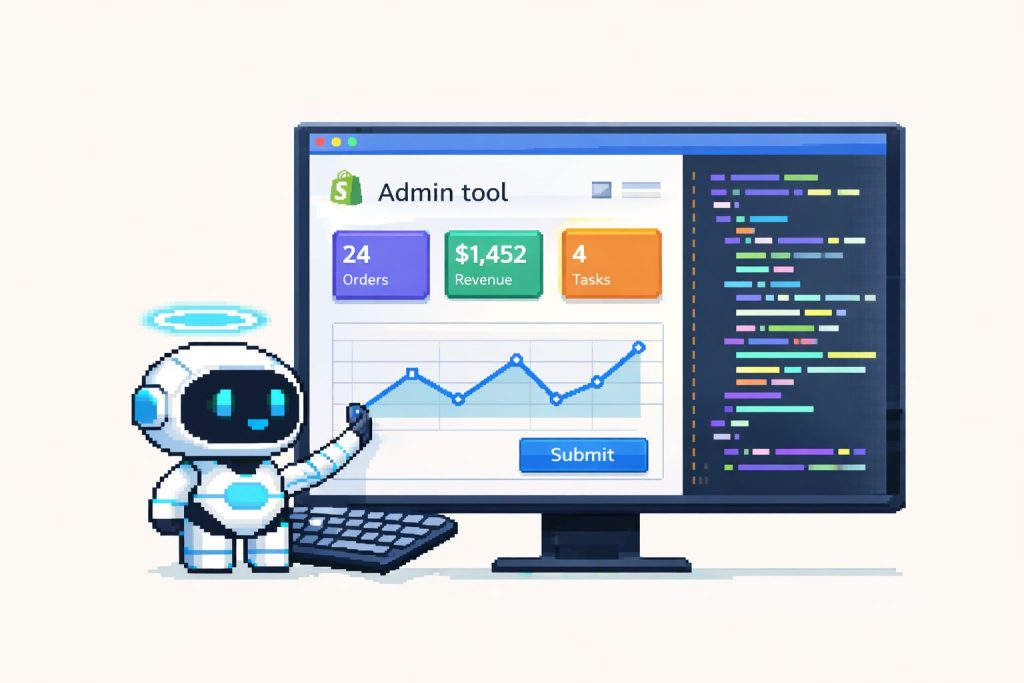
One of the biggest updates is Sidekick’s ability to generate simple custom admin apps for your store. This is a major shift in how small, internal tools get built on Shopify.
What app generation looks like
For eligible plans (Grow, Plus, Enterprise), you can now prompt Sidekick with something like:
- “Create an app that shows all customers who haven’t ordered in 90 days and lets my team send them a win‑back email.”
- “Build a simple internal tool that tags orders over $300 as ‘priority packing’.”
Sidekick then:
- Writes the app code using Shopify’s Polaris components and connects it to the Admin GraphQL API.
- Packages it as a single‑page admin tool that you can preview, request adjustments to (prompt again), and then install for your team.
There are limits: these generated apps focus on admin‑side workflows and are constrained to the Admin API, not storefront customization or public app store releases. But for operational tools that you’d otherwise hack together in spreadsheets or pay a dev to prototype, this is a huge upgrade.
How Developers Can Integrate With Sidekick
If you build Shopify apps, Sidekick isn’t just a merchant tool – it’s a new interface layer that your app can plug into.
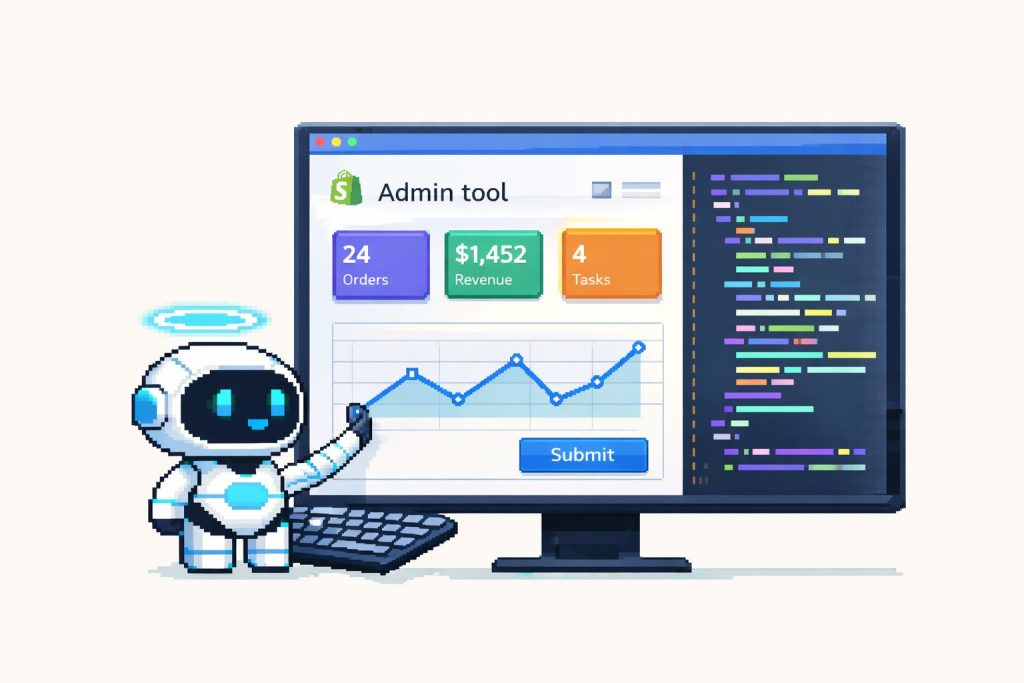
Sidekick app extensions
Shopify’s dev docs introduce Sidekick‑aware app extensions that let merchants trigger your app’s actions via natural language prompts.
In practice, you can:
- Expose safe, scoped actions like “create a product review,” “update an email template,” or “resolve a support ticket.”
- Define how Sidekick should call your extension and which UI to open or data to display when a merchant asks for something your app can handle.
When a merchant prompts Sidekick:
- Shopify routes the request into your app extension inside a sandboxed environment with the same permissions as your app.
- Your extension executes, returns a result, and Sidekick presents it in the chat or relevant admin area.
Why this matters for app developers
- More discoverable UX: Instead of merchants hunting through menus, they can just ask “Send a reactivation email to inactive customers” and Sidekick surfaces your email app’s flow.
- Higher adoption of deep features: Many app features are underused because they’re buried; Sidekick can “recommend” options at the right moment, guided by merchant intent.
- Differentiation: As Sidekick becomes central to admin workflows, apps that are Sidekick‑aware will feel more native and future‑proof compared to those that aren’t.
Limitations, Risks, and How to Stay in Control
1. Data understanding and context
Sidekick is only as accurate as the data in your store and the prompt it receives. If your tagging, analytics setup, or product data is messy, its suggestions will be limited or skewed.
- Encourage merchants to clean up product titles, collections, and tags before relying heavily on analytics prompts.
- Use FixMyStore’s audits or checklists to standardize naming and tagging
2. Language and availability constraints
Sidekick’s early rollouts have been English‑first and desktop‑only, with staged availability and plan‑based restrictions for some advanced features like app generation. Merchants working in other languages or primarily on mobile may not yet get the full experience.
Keep check admin for current availability and rollout notes, as Shopify updates this frequently.
3. Over‑reliance on AI output
Like any AI system, Sidekick can:
- Misinterpret niche brand voice or local compliance requirements.
- Suggest changes that conflict with third‑party app logic (e.g., shipping, bundling, subscriptions).
Best practices to emphasize:
- Treat AI output as a draft, not a final version – especially for legal, pricing, or policy content.
- Double‑check instructions that touch shipping, taxes, or complex app‑driven flows to avoid conflicts.
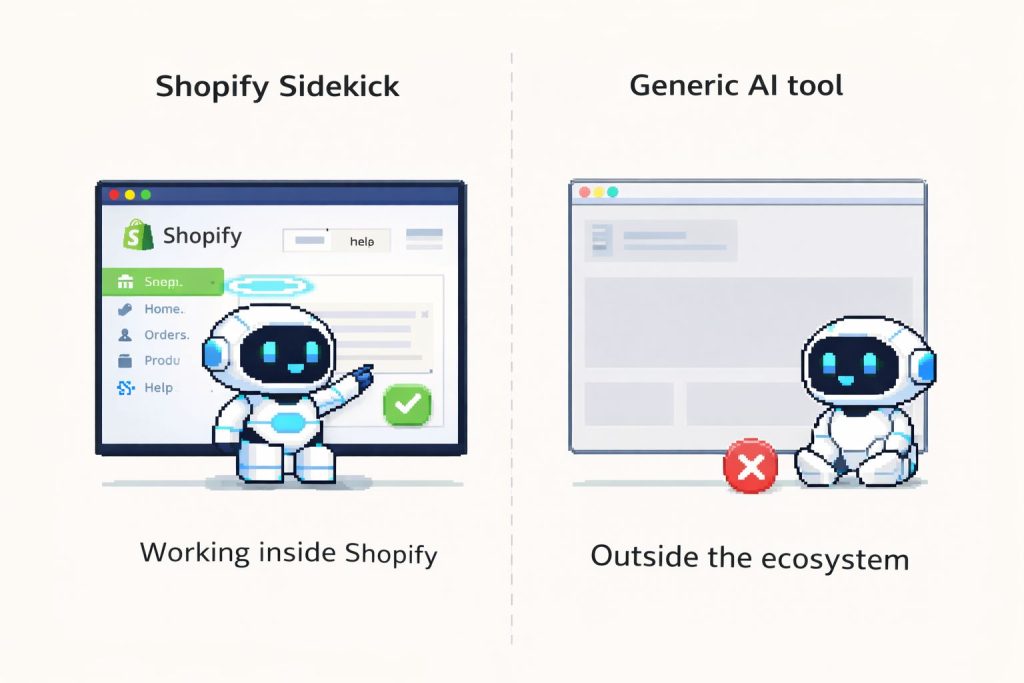
Sidekick vs Generic AI Tools (ChatGPT, etc.)
| Aspect | Shopify Sidekick | Generic AI tools (e.g., general chatbots) |
|---|---|---|
| Store data access | Deep access to your orders, products, analytics via Shopify APIs. | No native access; you must paste data manually. |
| Action execution | Can create discounts, edit themes, generate apps, and change settings in admin (with confirmation). | Limited to content generation unless connected via custom integrations. |
| Commerce‑specific training | Tuned for ecommerce, Shopify flows, and terminology. | General purpose; may give generic or incorrect platform advice. |
| Integration with apps | Sidekick app extensions allow apps to expose actions and data into chat. | Requires custom middleware or Zapier‑style setups. |
| Cost | Included with Shopify; many features are free across plans via Shopify Magic. | Separate subscriptions and API costs. |
You can still combine both: Sidekick for store‑connected actions; external AI (including AI SEO Audit, AI Visibility Checker, LLM.txt Generator, Robots.txt Generator, Product Page Audit, Cart Page Audit, Collection Page Audit, Page Speed Audit) for deeper experimentation, alternative content angles, and multi‑channel strategy templates.
How to Make Sidekick Part of Your Daily Workflow
Morning (15–20 minutes)
- Ask: “Summarize yesterday’s performance: revenue, conversion, top channels, and any anomalies.”
- Ask: “Highlight any products with inventory issues I should know about.”
- Use FixMyStore to run a quick homepage or PDP audit if Sidekick’s summary flags conversion issues.
Weekly (30–45 minutes)
- Ask: “Compare this week to last week for revenue, conversion rate, and AOV, and suggest three actions to improve next week.”
- Have Sidekick draft a promotional email or mini‑campaign based on upcoming launches.
Monthly and quarterly
- Ask: “Generate a report on conversion rate by traffic source and device type for the last 30 days, and explain where we’re losing money.”
- For Plus or large accounts, ask: “Help me design an onboarding plan for new team members using Sidekick for training.”
- Export Sidekick’s summaries into strategy templates to keep a central record of experiments, wins, and failures.
Prompt Recipes: 25 Ready‑To‑Use Sidekick Prompts
Store and strategy
- “Audit my homepage for clarity and suggest three improvements that could increase conversions.”
- “Summarize my store’s performance last month in plain English and highlight any red flags I should fix this week.”
- “List three quick wins I can implement today to improve add‑to‑cart rate based on my last 30 days of data.”
Product and collection management
- “Identify products with high views but low conversion and suggest possible reasons and fixes.”
- “Group my top 20 selling products into three themed collections with names and short descriptions.”
Content and SEO
- “Rewrite this product description to be more benefit‑driven and SEO‑friendly for the keyword ‘organic cotton t‑shirt’.”
- “Generate five blog post ideas that target long‑tail keywords related to ‘vegan skincare for sensitive skin’.”
- “Optimize the meta title and description for my homepage for the keyword ‘minimalist furniture store’ within character limits.”
Marketing and retention
- “Create a 3‑email win‑back flow for customers who haven’t ordered in 90 days, with subject lines and CTAs.”
- “Draft two alternate versions of my abandoned cart email, one playful and one urgent.”
- “Suggest a 7‑day micro‑campaign to launch my new collection, including daily social posts and one email.”
Analytics and optimization
- “Explain why my conversion rate dropped compared to last month and suggest three experiments to run.”
- “Generate a report on conversion rate by traffic source for the last 15 days and highlight my best and worst channels.”
- “Show me which pages have the highest bounce rate and recommend specific changes for each.”
Operations and support
- “Create a weekly checklist for my team to keep the store healthy, covering inventory, marketing, and customer service.”
- “Help me draft a macro response for delayed shipping due to holidays that my support team can reuse.”
Developer and app workflows
- “Create a simple admin app that lists orders with unfulfilled high‑value items and lets staff mark them as ‘priority packing’.”
- “Generate a custom theme section with three feature cards (image, heading, text) for my homepage.”
- “Suggest app actions related to subscription management that I can trigger through Sidekick using my installed apps.”